Capture the room you already have, tell Reflow how you want it to feel, and get back a plain-English move list for your own furniture — plus an interactive 3D floor plan you can walk around before you lift a thing.
Two ways in, depending on the device in your hand. Both take a couple of minutes.
On an iPhone Pro or iPad Pro with a LiDAR sensor, Reflow walks you slowly around the room and reads its shape as you go — for millimetre-grade dimensions of the walls, doors and windows.
No LiDAR? Any iPhone or iPad works. Reflow guides you through a few snaps from the doorway and the corners, and builds its estimate from those. A little less precise, but enough to plan around.
Rather than asking you to draw a layout, Reflow asks how you want the room to feel. Choose one and it plans toward it.
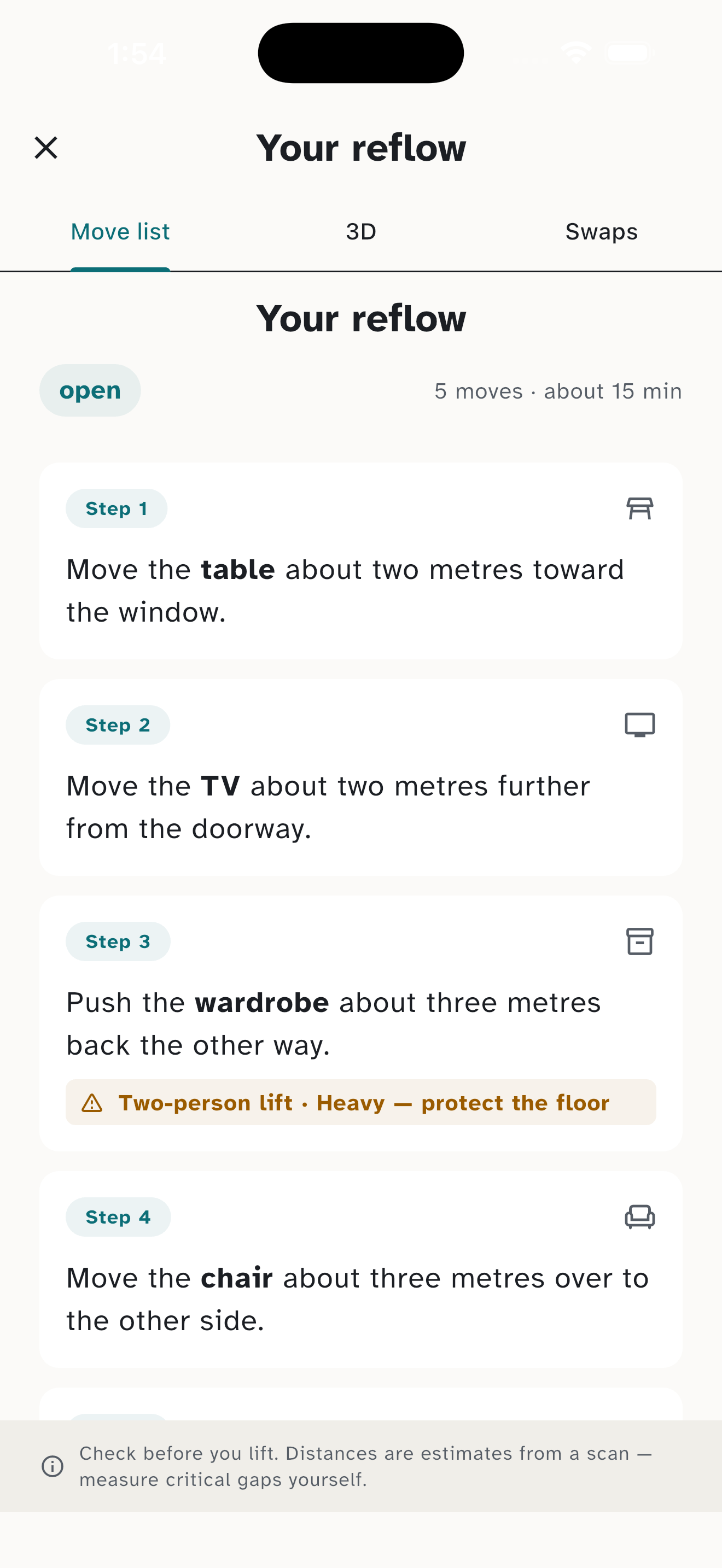
Reflow hands you the plan as a short list of plain-English steps for the furniture you already own — no jargon, no diagrams to decode. For example:
“Push the sofa a metre toward the window, then turn it a quarter-turn to face the room.”
Each step notes roughly how far a piece moves, and flags anything heavy or worth a two-person lift before you start.
Distances are estimates from a scan, not exact measurements — always check tight gaps and doorways yourself before committing.
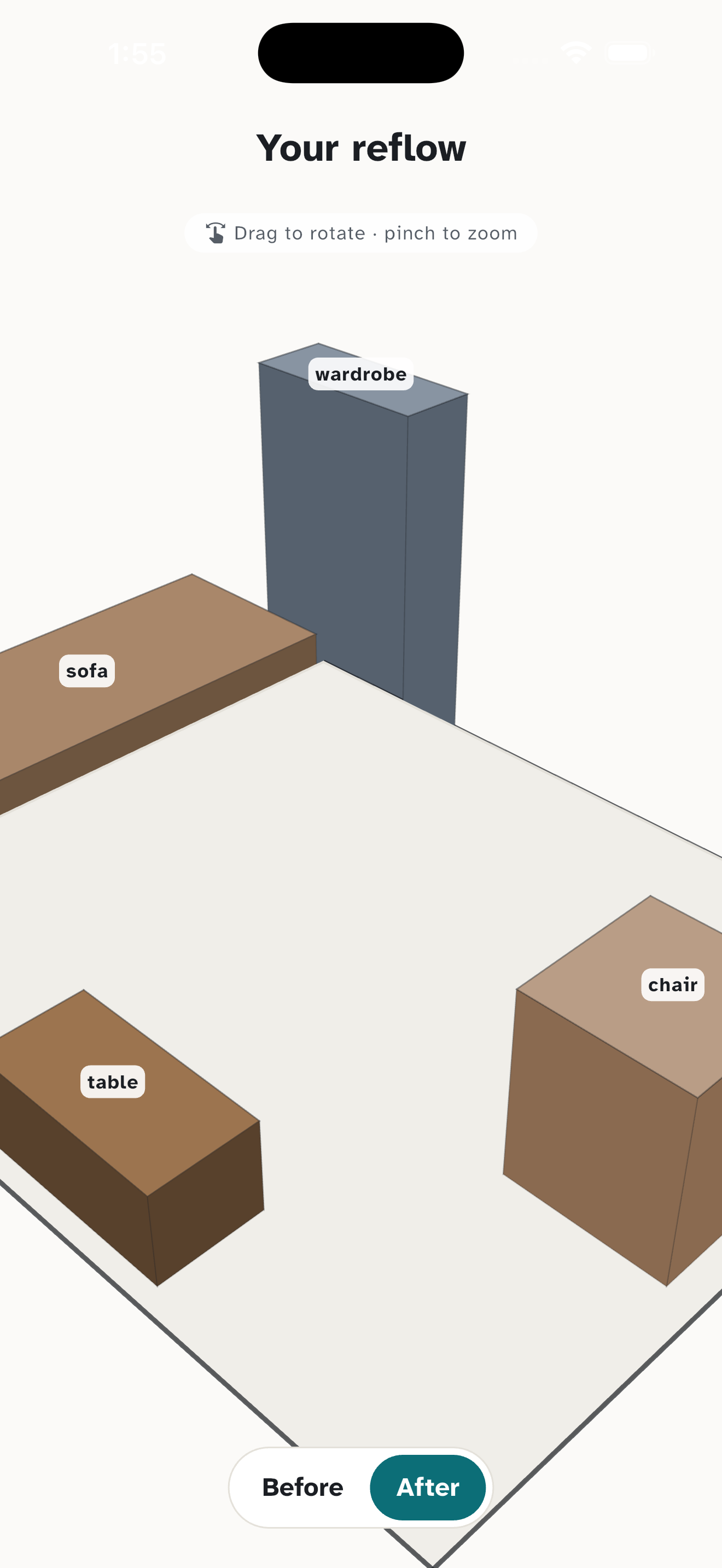
Before you move anything, walk around the result. Reflow builds an interactive 3D floor plan of the room with your furniture in its new places.
Orbit around it, zoom in on a corner, and flip between the before and after to see exactly what changes. It is the quickest way to know a plan will feel right before you put your back into it.

If a piece really isn't working in any layout, Reflow can suggest alternatives from popular retailers such as Amazon, IKEA and Wayfair, tailored to your region. It is entirely optional — the whole app works using only the furniture you already own, and you never have to buy a thing.
Rearrange the furniture you already own — no new purchases required.
Get the app